








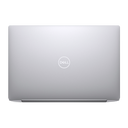
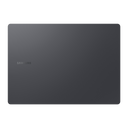
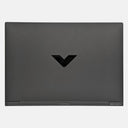
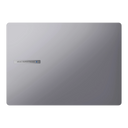









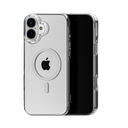
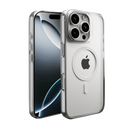
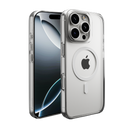
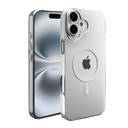
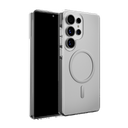

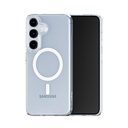
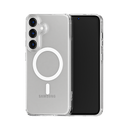



Quick answer: For most people, the best MacBook skin is one cut for your exact model, covering the lid, bottom and sides. Choose Matte Transparent Guard to keep Apple's finish visible, or a textured finish to change the look and hide marks. A hard shell adds bulk and can trap grit. Neither a skin nor a shell is drop protection.
A MacBook's aluminum body scratches and scuffs with daily carrying, and the usual options are a vinyl skin, a snap-on hard shell, or nothing at all. Each has real trade-offs, and the right choice depends on how you carry the laptop and how much you care about its finish.
This guide compares the three honestly, explains what separates a good skin from a poor one, and shows which Capes MacBook skin fits your model.
Are MacBook skins worth it?
Yes, if you want to keep the finish free of scratches and scuffs without adding bulk, or you want your MacBook to look different. No, if your main worry is drops or dents; a skin doesn't help with those.
A skin is a thin vinyl layer cut to the shape of each panel. It takes the wear from bags, desks and watch bands that would otherwise mark the anodized aluminum, and it can be peeled off when you change your mind or sell the laptop. What it can't do is absorb a fall. For that, a padded sleeve or a bag with a laptop compartment does more.
Skin vs hard shell vs nothing: which is better?
A skin protects against scratches with almost no added bulk. A hard shell protects against scratches too but adds bulk and can trap grit underneath. Going bare keeps the MacBook as Apple made it, wear included.
| Skin | Hard shell | Nothing | |
|---|---|---|---|
| Scratch and scuff protection | Yes, on covered panels | Yes, on covered panels | No |
| Drop and dent protection | No | A little at corners, not drop-rated | No |
| Added bulk | Very little | Noticeable | None |
| Grit trapped against the body | No, it sits flat on the surface | Can happen; take it off to clean | No |
| Changes the look | Your choice: transparent or textured | Usually clear, frosted or a solid color | No |
| Hides existing marks | Yes, with a textured finish | Only if opaque | No |
| Covers the palm rest | Optional | No | — |
If you go bare, a sleeve and a few habits (nothing in the same bag pocket as the laptop, lift instead of slide) prevent the worst wear.
What makes a good MacBook skin?
An exact-model cut, a choice of coverage, a known material, and clean removal. Those four things separate a skin that looks factory-made from one that peels at the corners.
- Cut for your exact model. The MacBook Air 13 M4 and the MacBook Air 15 M4 share a chip, not a body. Find your model under Apple menu → About This Mac and buy for that.
- Coverage you choose. Lid-only is the lightest option; lid, bottom and sides protects every outside surface that touches bags and desks.
- A material you can check. Capes Matte Transparent Guard is made from 3M 180C vinyl with an Orafol matte lamination.
- Clean removal. You will want it off one day, to change the look or to sell the laptop. Capes skins are designed to remove cleanly.
Which coverage should I choose?
For most people, Pro: it covers the lid, bottom and sides, which take nearly all the wear. Choose Essential if you only want to change the look of the lid.
| Coverage | What it covers | Best for |
|---|---|---|
| Essential | Lid | Changing the look, protecting the most visible panel |
| Pro | Lid, bottom and sides | Daily carrying; the surfaces bags and desks scratch |
| Max | Everything in Pro plus the palm rest and trackpad | A uniform look, palm rests marked by watch bands |
Should I get a transparent or a textured MacBook skin?
Transparent if you bought the MacBook for its color and want to keep seeing it. Textured if you want a different look, more grip, or need to cover marks already on the body.
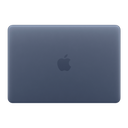
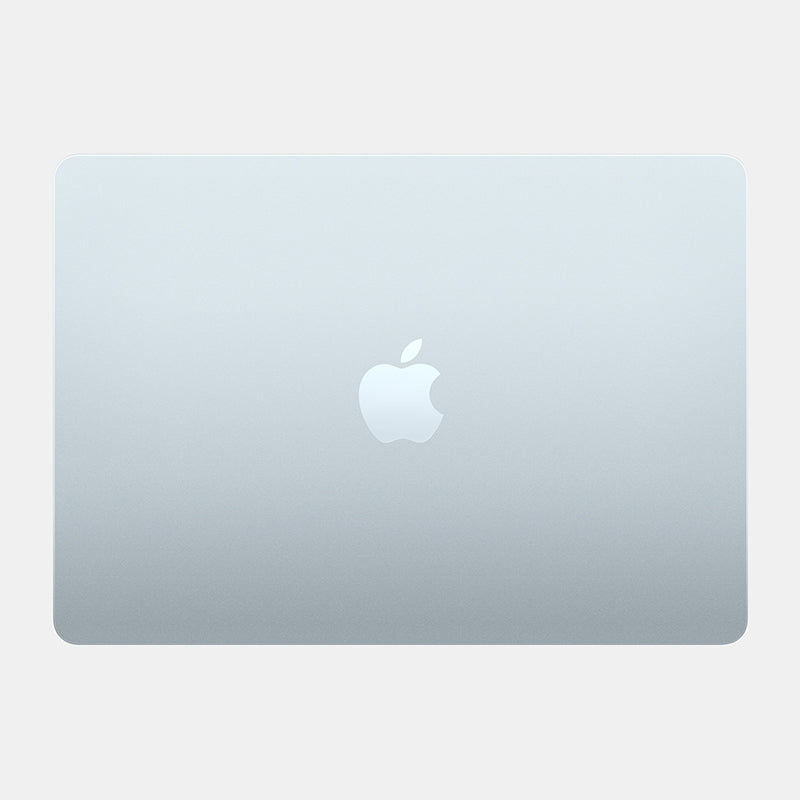
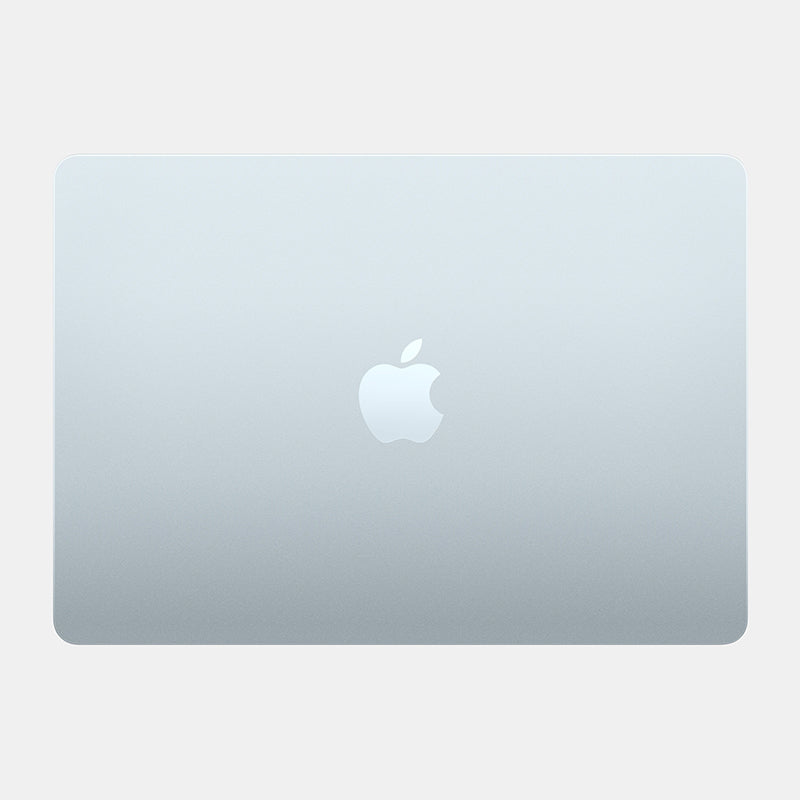
Matte Transparent Guard gives the aluminum a matte finish while the original color shows through, so a Midnight or Sky Blue MacBook still looks like one. Because it is clear, any scratches already on the body remain visible under it. Textured finishes such as Teardown, Forged Carbon, Carbon Fibre Black, Walnut and Black Leather change the look entirely and hide existing marks.
Which MacBook skin fits my model?
Match the name in About This Mac to the list below. MacBook Pro 14 and 16 models with M1 to M4 Pro or Max chips share one body per size, so one skin fits each.
| About This Mac says | Capes skin |
|---|---|
| MacBook Air 13-inch, M5, 2026 | MacBook Air 13 M5 2026 |
| MacBook Air 13-inch, M4, 2025 | MacBook Air 13 M4 2025 |
| MacBook Air 13-inch, M3, 2024 | MacBook Air 13 M3 2024 |
| MacBook Air 15-inch, M5, 2026 | MacBook Air 15 M5 2026 |
| MacBook Air 15-inch, M4, 2025 | MacBook Air 15 M4 2025 |
| MacBook Pro 14-inch, M5 Pro or M5 Max, 2026 | MacBook Pro 14 M5 (Pro/Max) 2026 |
| MacBook Pro 14-inch, M5, 2025 | MacBook Pro 14 M5 2025 |
| MacBook Pro 14-inch, M4, 2024 | MacBook Pro 14 M4 2024 |
| MacBook Pro 14-inch, M3, 2023 | MacBook Pro 14 M3 2023 |
| MacBook Pro 14-inch, M1 to M4 Pro or Max, 2021–2024 | MacBook Pro 14 M1–M4 (Pro/Max) |
| MacBook Pro 16-inch, M5 Pro or M5 Max, 2026 | MacBook Pro 16 M5 (Pro/Max) 2026 |
| MacBook Pro 16-inch, M1 to M4 Pro or Max, 2021–2024 | MacBook Pro 16 M1–M4 (Pro/Max) |
| MacBook Neo | MacBook Neo |
Older Air and Pro models, including the M1 and M2 Air and the Intel models, are in the full MacBook skins collection.
Shop MacBook skins
See every model and finish in our MacBook skins collection. Orders and delivery questions are covered in our FAQ. In India? Shop on capesindia.com.
FAQ
Do MacBook skins protect against scratches?
Yes, on the panels they cover. The vinyl takes the scuffs from bags, desks and watch bands instead of the aluminum. Skins do not protect against drops or dents.
Are skins bad for a MacBook?
A skin cut for your model sits on the outside panels and is designed to remove cleanly.
Is a skin or a hard shell better for a MacBook?
A skin adds almost no bulk and can't trap grit against the body. A hard shell is thicker and needs to be removed now and then to clean underneath. Neither is drop protection.
What is the best clear skin for a MacBook Air?
Look for one cut for your exact Air model in a matte finish. Capes Matte Transparent Guard is made from 3M 180C vinyl with an Orafol matte lamination and keeps the Air's color visible.
Can I remove a MacBook skin later?
Yes. Capes MacBook skins are designed to remove cleanly, so you can change the finish or take it off before selling the laptop.
Written by Capes. Last checked: 9 October 2026.


Leave a comment
This site is protected by hCaptcha and the hCaptcha Privacy Policy and Terms of Service apply.